Counting calories without an account: what food apps learn about you
You can count calories without creating an account. Musclog has no sign-up, no name or email field, and no cloud sync, and it keeps your food log, weight and body fat on your device, encrypted. Some features do send data out: food search, AI features you switch on, and anonymous crash reports. This post explains what a food log can reveal, what Musclog stores, and the exact points where anything leaves the phone. The full text is in the privacy policy.
What a food log reveals
A food diary is more personal than a list of numbers. Taken together, the entries show:
- what you eat and when, including meal times and how often you skip one,
- your weight and body fat, if you log them,
- your calorie and macro goals, and how closely you follow them,
- workouts and rest days, if you track them in the same place.
Any app that holds those records could in principle learn these things. What matters is where the records are kept, who can read them, and what leaves the device.
What stays on your device
Musclog stores your data on your device. The privacy policy says it encrypts sensitive records on your device, including weight, body fat, food logs and menstrual cycle records, and that network requests use HTTPS. You can also lock the app, or parts of it, with your device’s biometrics or PIN.
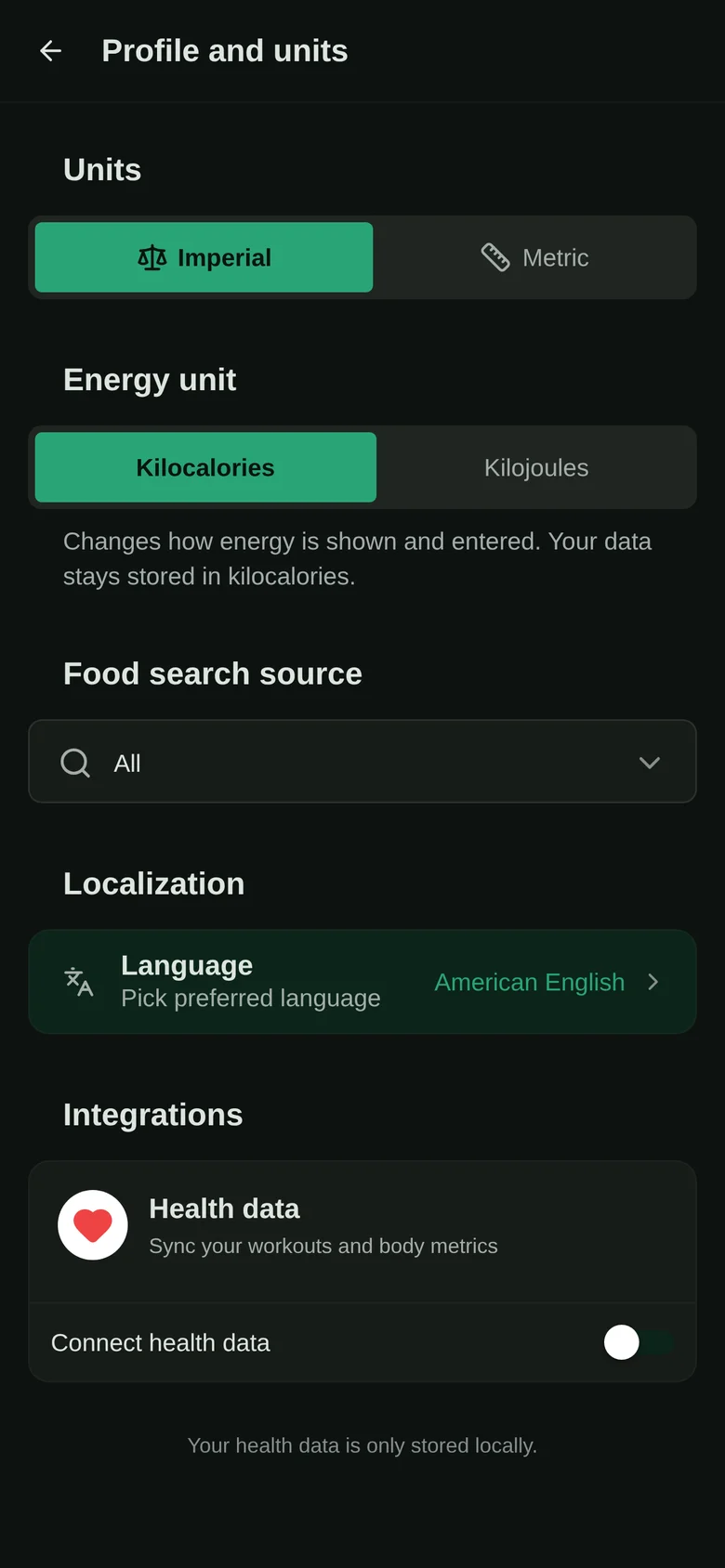
The application does not ask for an account, your name, your email address or your phone number. Musclog has no account to delete. Data stays on your device until you delete it or uninstall the app. Health data read from Health Connect or Apple Health also stays on the device.
Where data can leave the device
Musclog’s policy lists every case in which data leaves your device. Each is either something you choose or something you can switch off.
Food search and barcodes. When you search for a food or scan a barcode, the search text or barcode is sent to the food database set in the app: Open Food Facts, the USDA FoodData Central database, or Musclog’s own food database. No account, name or other personal information is attached. Like any internet request, though, it reveals your IP address to the service that receives it. You can choose to search only the foods stored on your device.
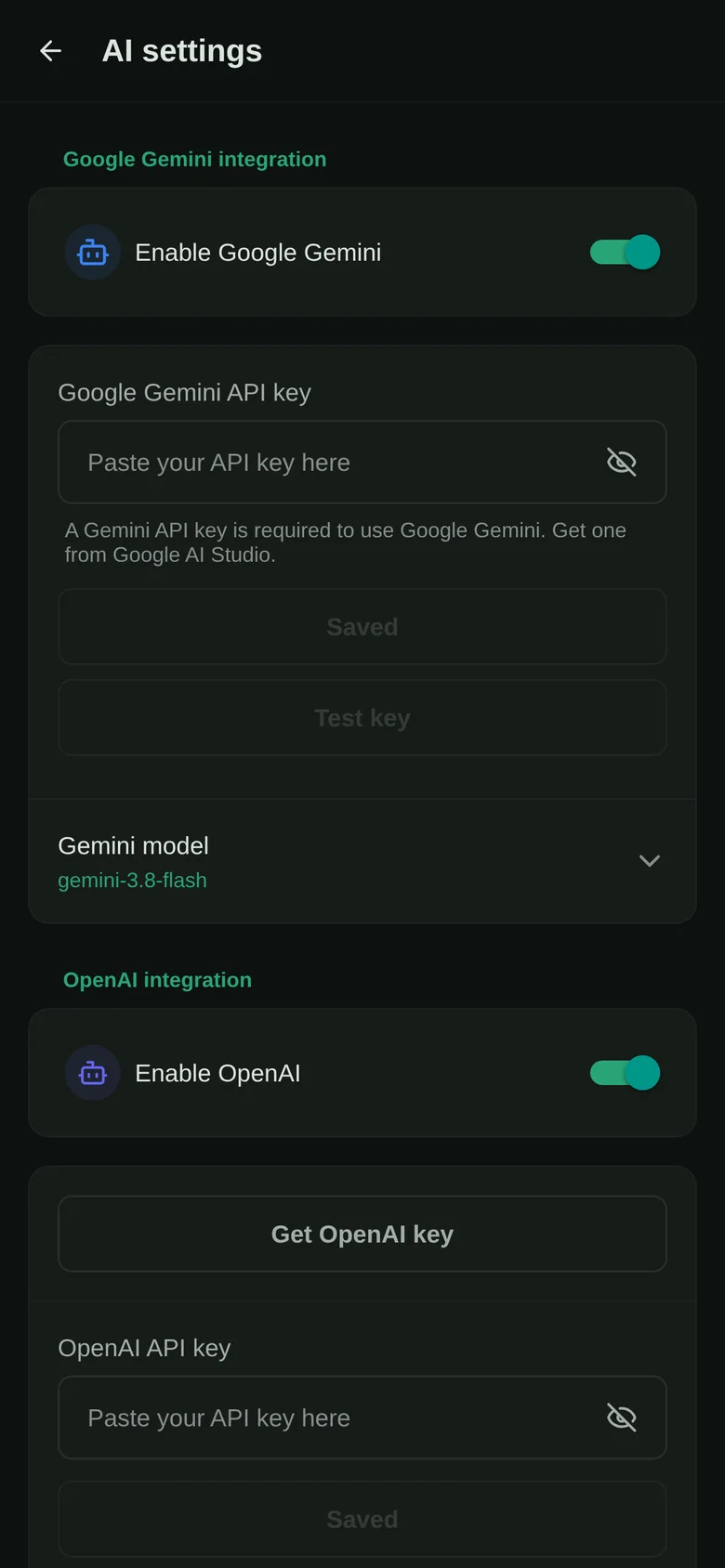
Optional AI features. AI stays off until you pick a provider. You can use your own OpenAI, Anthropic Claude or Google Gemini key, an on-device model where your device has one, a local or self-hosted model endpoint, or the free Musclog AI option. Whatever you send to the provider you chose is sent to that provider, and Musclog does not control how an outside provider handles it. The free option sends requests through Cloudflare AI Gateway, answered by Google Gemini, and the gateway may keep request logs for a limited time. Before you pick a provider, read its privacy policy.
There is a setting that reads text from a photo on the device before the AI sees it. Musclog’s own notes say it reduces the data sent to the AI provider. It does not stop the AI from receiving the photo’s content, so it is a smaller exposure, not zero.
Crash reports. The app can send anonymous crash reports to Sentry. This is on by default, and you can turn it off at any time in Settings, under Backups and data, with the anonymous bug report switch. A report contains the error, where it happened, the app version and the device model. It contains no name, account, email address, or your workouts, food or body data. Sentry may create a random identifier for the installation, which is not linked to you.
Your own exports. Data you export, back up, share or move to another device yourself leaves the phone when you do so.
The website. The public website uses Vercel Web Analytics, which is cookieless. Google Analytics 4 runs only after you accept it in the cookie banner. The app itself does not collect usage data.
What this means in practice
If you want the strictest setup, you can keep food search on your device only, leave AI off, and switch crash reports off. Your food log then stays on the phone, encrypted, and nothing else in the app sends your food log out. Two things still apply: the website you visit reports anonymous visit data as described above, and you can always export your own data, which takes it off the phone.
If you use food search, a database receives the search term and your IP address. If you use an AI provider, that provider receives what you ask it. Each choice is yours, and each can be changed later in the app.
For more on how the app handles your data with AI, read how an AI set up Musclog without touching your data.
This post is about data, not diet. If you have an eating disorder, a medical condition, or are pregnant, talk to a health professional before you change how you track or restrict food.
You can count calories in the Musclog app without making an account.
