How much protein do you actually need? By goal and body weight
Musclog sets daily protein between 1.4 and 2.0 grams per kilogram of body weight, depending on your goal and whether you are eating in a deficit. For building muscle the figure is 1.8 g/kg, and a deficit raises it to at least 2.0. Musclog’s protein calculator gives one number from your weight, height and goal, using the same table the app uses.
The table Musclog uses
Musclog sets protein in grams per kilogram for each goal. These figures are Musclog’s own product defaults, not numbers taken from a single study. The exact picks for each goal are ours.
| Goal | Grams per kg of body weight |
|---|---|
| Weight loss | 2.0 |
| Build muscle | 1.8 |
| Get stronger | 1.8 |
| General health | 1.6 |
| Endurance | 1.4 |
Weight loss is set at 2.0 g/kg in the table. A deficit raises any goal to at least 2.0 g/kg, so a general-health target of 1.6 becomes 2.0 when you tell the calculator you are eating in a deficit.
Why grams per kilogram, not a share of calories
The app does not set protein as a percentage of calories. The calculator’s method notes explain why: a percentage makes protein fall as you eat less, which is just when keeping muscle matters most. Protein is set by body weight, and the calories left over are shared between carbs and fat.
A meta-analysis on protein supplementation and resistance training, Morton et al. (2018), looked at whether extra protein changes the muscle and strength gains people make from lifting. It is the reference for the general topic: whether protein supplementation adds to what you gain from resistance training. The goal-based figures above are Musclog’s choice, not a direct result of that review.
The body weight cap
Protein is applied to your body weight, but not always to all of it. Without a goal weight, the calculator uses your current weight and never more than the weight at BMI 30 for your height. The reasoning: without body fat on file, BMI cannot tell a muscular lifter from someone carrying a lot of fat, so the cap stops protein from growing with mass that is mostly not muscle.
A goal weight replaces the cap. If you set one, protein is based on that weight instead of your current one.
This is a product choice. The cap is set at the obesity threshold, not the overweight one, and it is a rule of thumb rather than a measurement of your body composition.
Worked example: 80 kg, general health
Take someone who weighs 80 kg, is 178 cm tall, has general health as the goal, and is not eating in a deficit. Nothing is capped, because 80 kg is below the BMI-30 reference for 178 cm.
- BMI-30 reference: 30 × 1.78 × 1.78 = 30 × 3.1684 = 95.05 kg
- Reference used: the smaller of 80 kg and 95.05 kg, so 80 kg
- Protein: 1.6 × 80 = 128 g a day
If the same person sets a deficit, the figure moves up to 2.0 × 80 = 160 g a day.
A second case shows the cap. A 120 kg lifter at 178 cm who wants to build muscle has a reference of 95.05 kg, so the calculation uses that: 1.8 × 95.05 = 171.09, rounded to 171 g a day. Without the cap it would be 216 g.
Choosing your goal
Pick the goal closest to what you are training for this season. “Build muscle” and “Get stronger” both use 1.8 g/kg. “General health” (1.6 g/kg) is a sensible baseline if neither fits. “Endurance” (1.4 g/kg) is the lowest figure in the table.
When the calorie budget is tight
The calculator gives protein alone. Musclog’s planner also has to fit carbs and fat into the rest of your calories, and it sets two limits from its own constants: protein may take at most 75% of the calorie budget, and at least 15% is kept for fat before carbs are shared out. If a protein figure would leave less than that for fat, the planner caps protein and flags it, rather than leaving fat at a sliver.
Those two limits are Musclog’s choices. They keep the diet workable; they are not a claim that one split is best.
What the figure cannot see
The calculator does not ask for body fat, so it works from total weight, not lean mass. That is the reason for the height-based cap above. The app’s planner can set protein on fat-free mass for weight loss and building muscle when body fat is on file and you opt in. The calculator on this page does not use body fat.
Spread it across the day
The daily total is what counts. Spread it over your meals however suits you, in as many or as few as you like.
When to see a professional
This is general information, not medical advice. If you have kidney disease or another condition that affects how your body handles protein, check with a clinician before you change your intake.
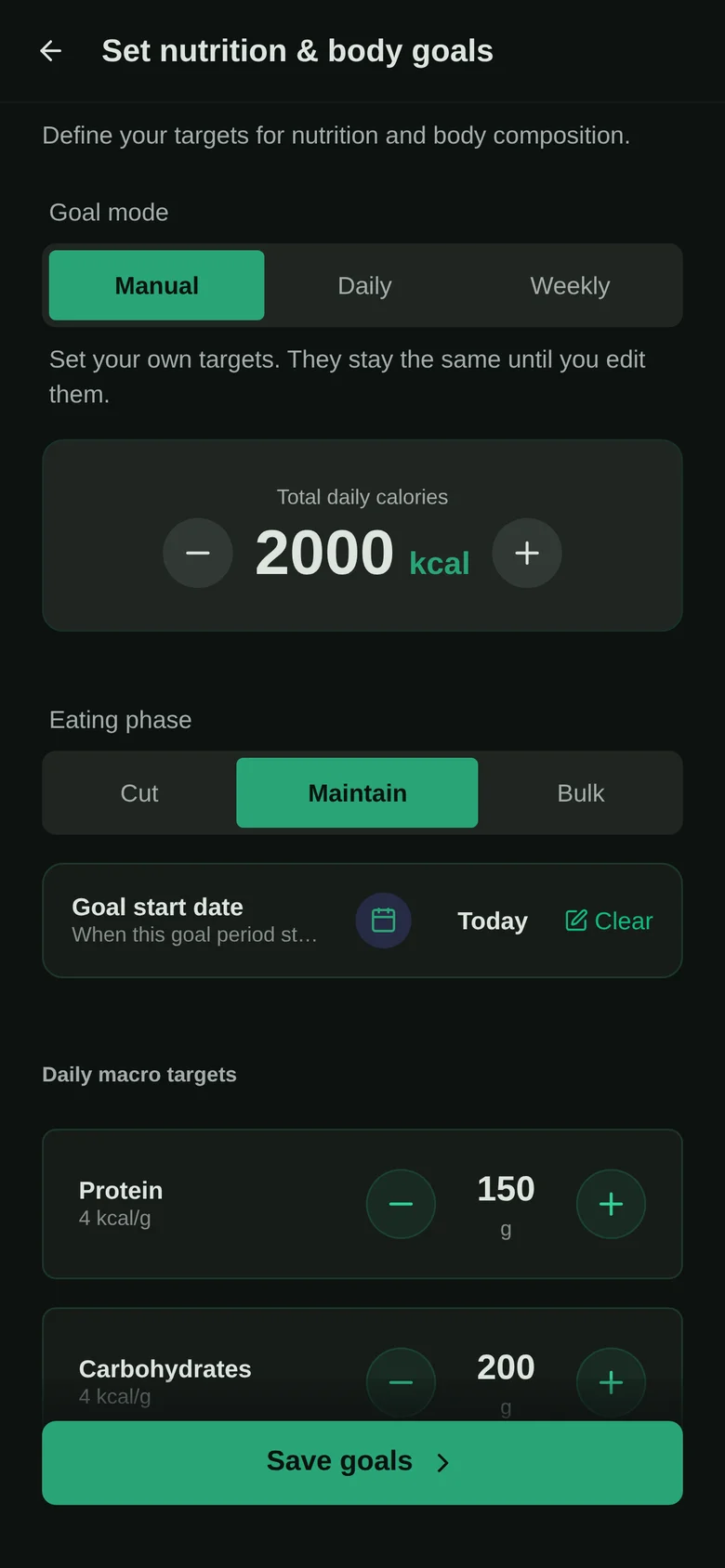
Set your own figure in the protein calculator, then track it in Musclog, which uses the same goal table to set your daily protein target.
