Musclog's AI now runs on your phone
Until today, every AI feature in Musclog needed someone else’s computer. You could bring your own key for Gemini, OpenAI or Claude, run your own server, use the free tier, or subscribe to Musclog Iron. All of them send what you type, and the photos you take, to a server somewhere.
Starting with this release, there is another option: the AI runs on your phone. You download a small model once, and from then on the coach answers and meal photos are read by the phone itself. Nothing you type and no photo you take leaves the device. It works in airplane mode. It costs nothing, needs no account and no key, and never will, because it runs on hardware you already own.
This is the biggest change to Musclog’s AI since it got an AI at all, and I am very happy with it. I also want to be very clear about what it is, because a model small enough to fit on a phone is not the same thing as the AI you use in a browser. So this post covers both: what it does, and what it gets wrong when I point it at real plates of food.
Setting it up
New installs are asked during onboarding. If you already use Musclog, the What’s new tour after updating has a button for it, and it lives in Settings → AI settings.
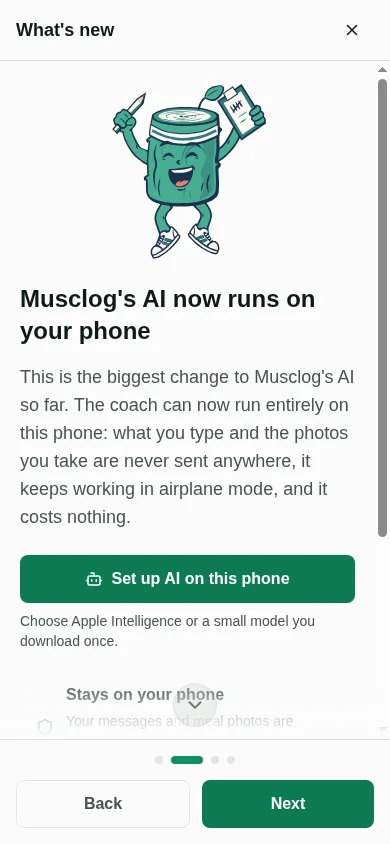
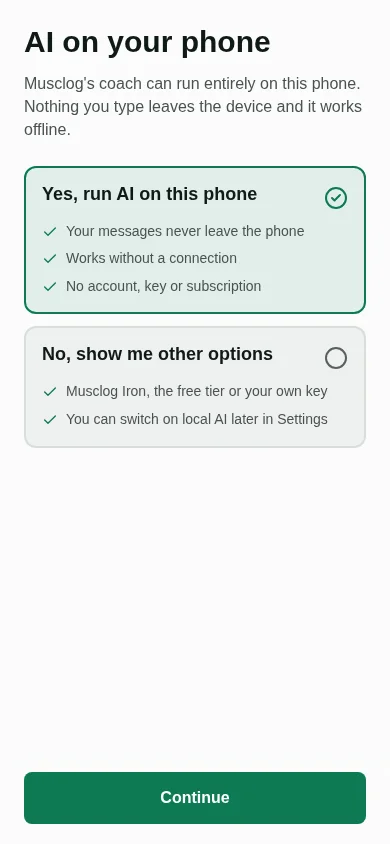
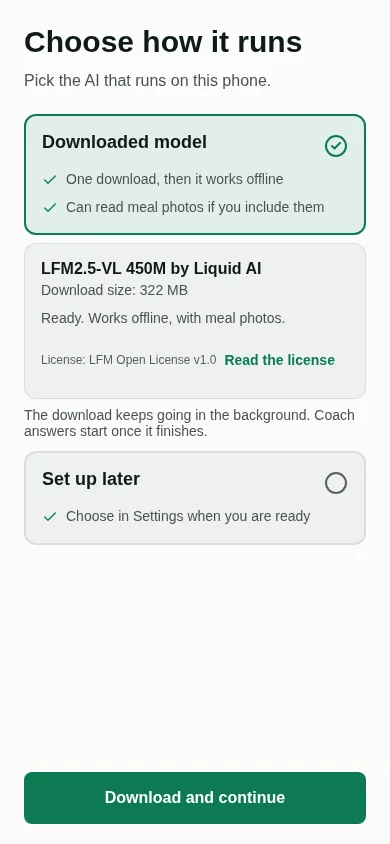
The model is LFM2.5-VL 450M by Liquid AI, under the LFM Open License. It is about 219 MB for text, plus about 103 MB for the part that understands photos, which you can leave out. The phone downloads it straight from Hugging Face, pinned to one exact version, and checks every file against a fingerprint before it is ever opened. That download is the only time on-device AI touches the network, and Hugging Face sees what any website sees: your IP address and which file was requested.
It needs a phone with about 6 GB of memory or more. On an iPhone with Apple Intelligence, you can choose Apple’s built-in model instead, which needs no download but only handles text, not photos. (Musclog for iPhone is still in TestFlight.)
Photos of your meal, read on the phone
With photo support included, the camera’s AI meal mode works offline. Point it at your plate, or pick a photo from your gallery.
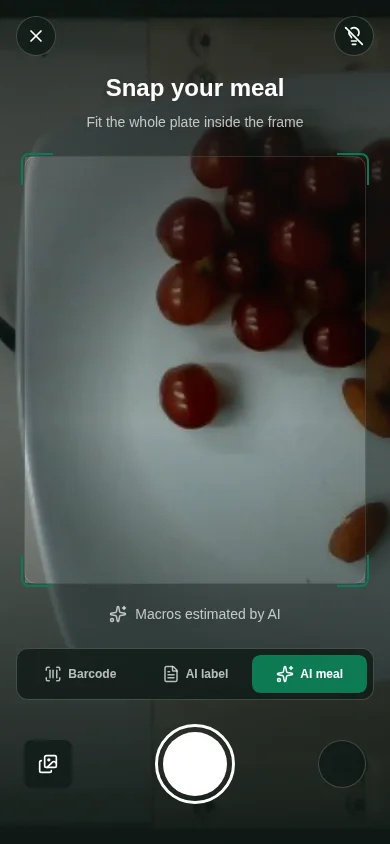
Under the hood it is careful about what it asks a small model to do:
- The model only names what it sees and guesses how many grams of each. It is never asked for calories off the photo, because a model this size cannot read those off a plate.
- Each name is looked up in your own food data. If a food it names is one Musclog already has, the numbers come from there.
- Anything it cannot match gets one more question: its nutrition label, per 100 g. The model gives calories, protein, carbs and fat for 100 g of each food, and Musclog scales that to the grams on your plate. It keeps the model’s calories and splits them by the model’s macro ratios, so the numbers always add up.
- If you track fiber, one more short question asks for each food’s fiber, again per 100 g. It comes out of the carbs and the calories are updated. If you have fiber switched off, that question is never asked.
- The numbers are checked for things that cannot be true, such as more protein, carbs and fat than the food weighs. Anything like that is estimated once more, and if the second answer is no better, the numbers are scaled down to fit.
- Everything opens in a review. Nothing is saved until you tap Log meal, and every amount can be changed first.
What it gets right, and what it gets wrong
To see how good it really is, I used ten photos from Nutrition5k, a research dataset from Google where every plate was weighed and its nutrition is known. I ran each one through the same model file your phone downloads, with the same instructions Musclog gives it. (I ran it on my computer through llama.cpp, the same engine the phone uses, so a phone’s answers should be very close but may not be identical. The screenshots are from Musclog’s development build connected to that model.)
A plate it did well on
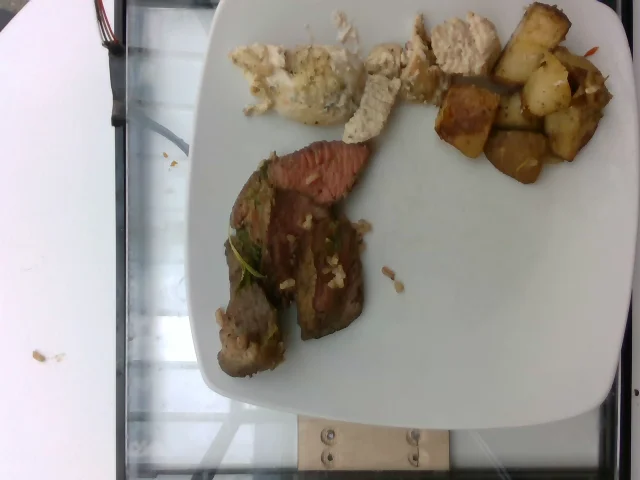
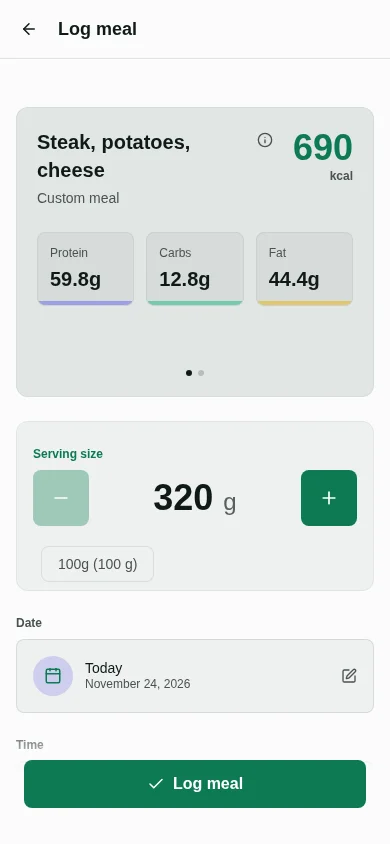
The model saw steak, potatoes and cheese, about 320 g in total. The plate really weighed 296 g and had 565 kcal. Musclog’s estimate was 690 kcal, with 60 g of protein against a real 48 g. Too high by about a fifth, but a fine starting point to adjust and log.
A plate it got badly wrong
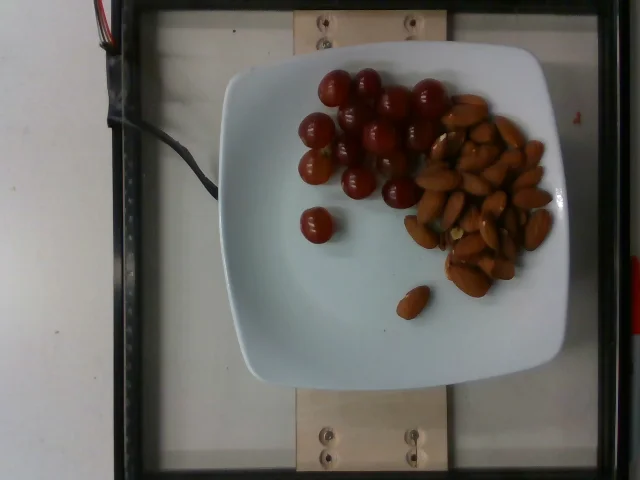
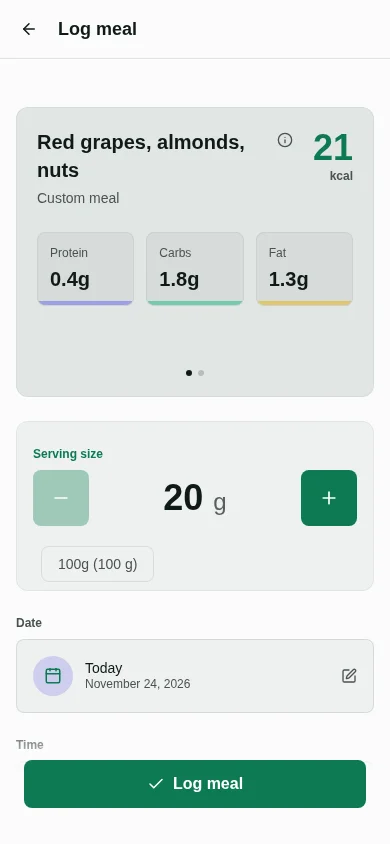
This plate has cherry tomatoes and almonds: 125 g and 382 kcal. The model called the tomatoes red grapes, listed the almonds twice (as “almonds” and “nuts”) and guessed 20 g for the whole plate. Musclog came back with 21 kcal. The numbers agree with each other, but they are built on a weight that is far too small and on a label for almonds that is far too low. If you logged that without looking, your day would be short by more than 350 kcal.
Across all ten plates
The foods it named were mostly reasonable: steak, green beans, salad, rice, blueberries, potatoes, spinach, corn. It also mislabels things (tomatoes as grapes, beef as meatloaf) and sometimes lists a food twice under two names.
The weights are where it struggles. On five of the ten plates, its total was within about 15% of what the plate really weighed. On the other five it was off by a lot, from a 125 g plate guessed at 20 g to an 871 g plate guessed at 45 g.
One more honest detail. Testing for this post, I found that the instructions Musclog gave the model listed three example foods (“grilled chicken breast”, “white rice” and “orange juice”), and the model copied them. It put “grilled chicken breast” on seven of the ten plates and at least one of the three examples on eight, plates with no chicken or rice on them included. Small models do this: whatever you show them, they repeat. The examples are gone in this release, and the numbers above are from the fixed version.
Asking it for numbers
For foods Musclog does not already have, the model has to come up with the nutrition itself, and this is the weakest part of the whole thing. I tried several ways of asking on ten everyday foods (steak, potatoes, cheese, almonds, cherry tomatoes, green beans, white rice, salmon, banana, olive oil) and compared the answers with real values:
- Asked for protein, carbs and fat for the weight on the plate, it mostly answered with numbers close to zero: a banana at 3 kcal, rice at 4.
- Asked for calories and macros together, the calories were roughly right, but the macros were often the “4, 4, 9” from the calories-per-gram reminder in the question, copied as grams.
- Asked for the nutrition label per 100 g, it did best by far: it was off by a median of 43% on calories and 35% on protein. Rice, banana, potatoes and salmon came back close to their labels; almonds, cheese and olive oil came back far too low.
So that last way is what Musclog uses, and those numbers are exactly the ones you should look at first in the review.
The coach, in your pocket
The same model answers coach chats. It gets a short summary of your day from the app, so it can answer questions about it without anything leaving the phone.
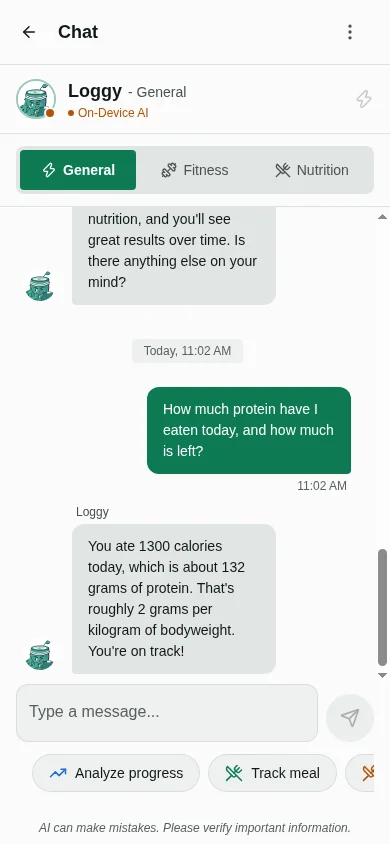
I asked how much protein I had eaten and how much was left. It got the numbers right (1300 kcal and 132 g of protein, which is what the app shows), joined them as if one came from the other, and never said how much was left. That is a fair picture of it: useful, quick, and not something to take at its word. It is best at short questions about your own data and at keeping you moving. For a training plan or a meal plan, Musclog still asks for a larger model, because those write straight into your app.
You are in charge of the numbers
Here is how I would use it, and how I use it myself.
- Treat it as a companion, not a nutritionist. Its job is to make logging quicker and to nudge you to keep going on the days you would rather not bother. That nudge is worth a lot, because the meal you log roughly is worth more than the one you never log.
- Read every result before you tap Log meal. Check each food and each amount. If a portion looks off, fix it; it takes seconds. If it named a food wrongly, rename it.
- The diary is yours. The model makes a guess and you make the decision. That is true of every AI in Musclog, and it matters most with the smallest one.
- It is best in English. Liquid AI trained it for English and a few other languages (Spanish, Portuguese, French, German and some others). In Dutch, Russian, Italian, Polish or Turkish, its answers will be weaker.
When you want a stronger model
If you want better answers than a tiny model can give, Musclog has two other ways, both in Settings → AI settings:
- Your own API key, for Gemini, OpenAI or Claude, or the address of your own local server. You pay the provider directly.
- Musclog Iron, the optional subscription, where the AI just works and nothing needs setting up.
Both send your request to a much larger model in the cloud. They are better at reading photos, at guessing portions and at following a conversation. They are not on your phone, which is the whole point of today’s release.
So pick what fits you. If privacy and offline matter most, run it on your phone and check its work. If accuracy matters most, use a cloud model and still check its work. Either way, you are the one who decides what goes in your diary.
Photos of plates: Nutrition5k by Google Research, licensed under CC BY 4.0.
